An AI assistant on your phone: what a tradesperson can ask it in a chat
Job photos, emails, quote reminders, invoices, Google reviews: concrete examples of what a tradesperson can ask an AI assistant in writing, while keeping control of everything that gets sent.
In short
- An AI assistant is a written conversation on your phone, like a text message: you ask, it prepares.
- It can file job photos in the customer's folder, sort your emails, and prepare quote reminders, invoices, review replies and material orders.
- Nothing goes out without your approval: every email, invoice, reply or order waits for your "yes".
- 63% of small building business owners in France check their email every day on holiday (CAPEB ARTIsanté barometer, May 2026).
- We're preparing this assistant for our clients, with data that stays in Europe. Tell us about it.
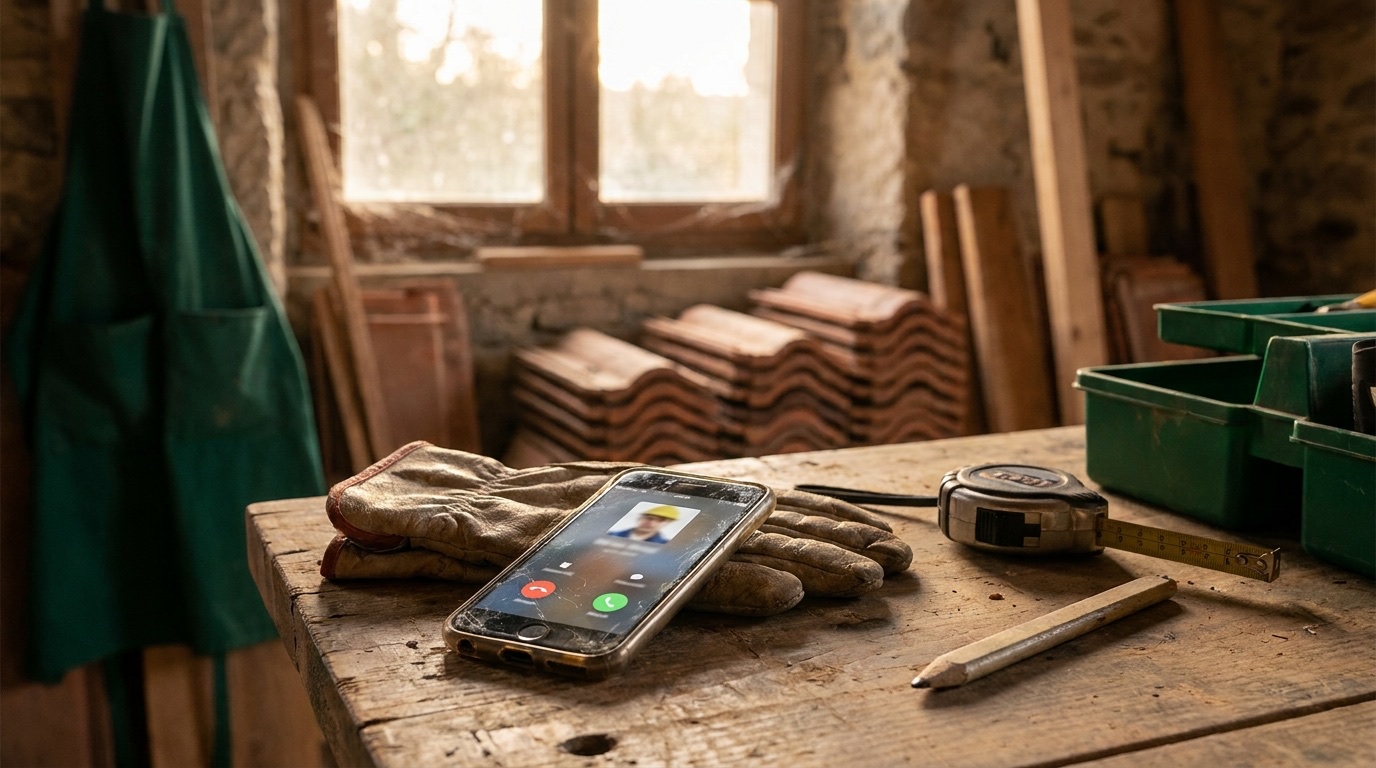
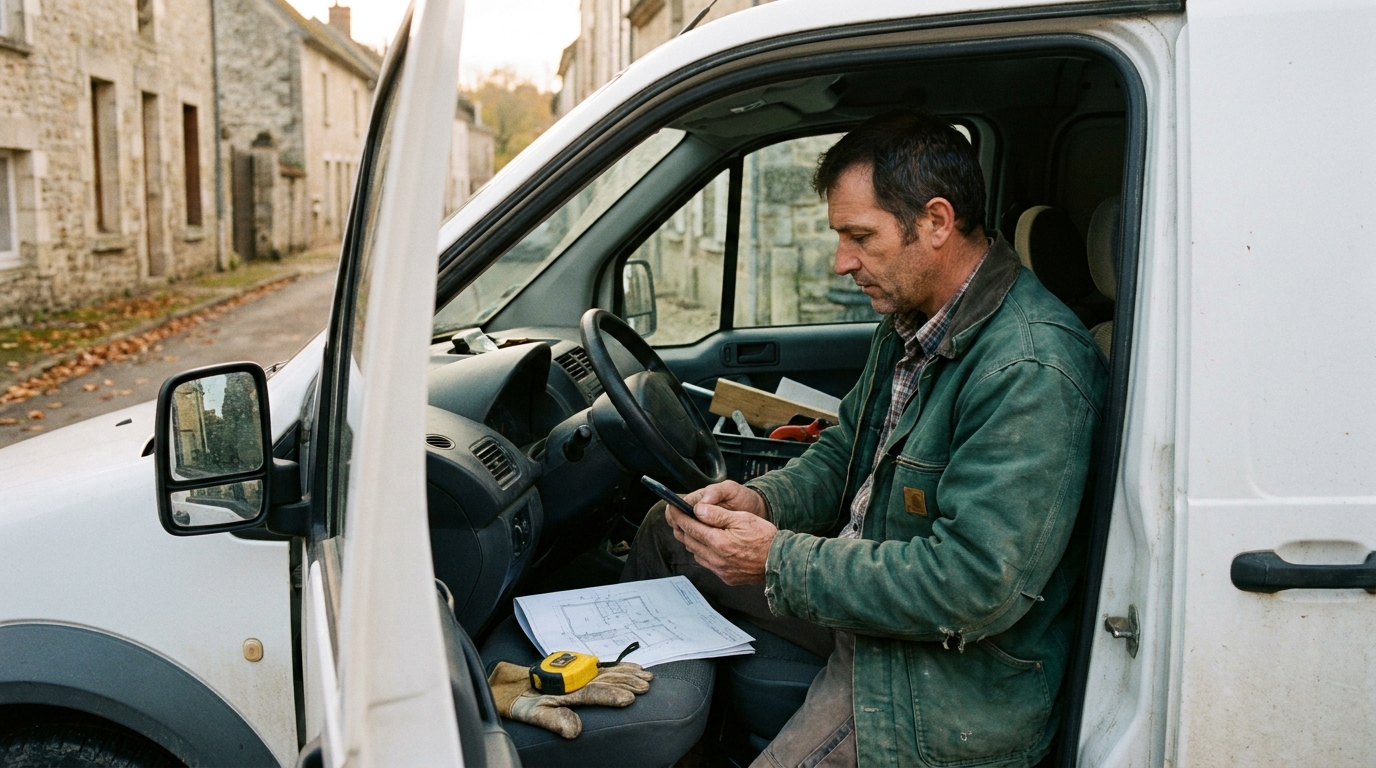
It's 7.30 pm and the van is parked outside your house. On your phone: 23 unread emails, today's job photos mixed in with pictures of the kids, and that quote you sent last week without hearing back. There goes another evening.
What if you could type "chase Mrs Martin's quote" the way you send a text, and find the message ready to go? That is the job of an AI assistant on your phone. Here, example by example, is what a tradesperson can ask it in a chat.
In the evening, the paperwork is always waiting
Every year CAPEB, the French federation of small building firms, and IRIS-ST survey the owners of small building and landscaping businesses in France. In the ARTIsanté 2025 barometer (12th edition, published on 26 May 2026, 2,491 responses), 48% say they regularly worked weekends, sometimes every weekend. 63% check their email every day while on holiday. And 77% feel that work eats into their private life.
The survey lists paperwork among the causes of stress, next to workload and an uncertain outlook. Quotes, reminders, invoices and emails come after the job itself, so they get done in the evening or on Sunday.
Much of that work repeats from one week to the next: the same quote reminder, the same answer to a customer asking how their job is going, the same invoice built from the same quote. That is exactly what an AI assistant can prepare for you.
An AI assistant, in practice
An AI assistant is a written conversation on your phone. You type as you would to a colleague, or you dictate between two jobs. It answers within seconds with a summary, a list or a draft.
The difference from ChatGPT on its own: the assistant is connected to your tools. It reads your inbox and knows your customers, your quotes and your schedule. People also call this kind of assistant an "agent", meaning a program that answers and can also do things for you: find an email, file a photo, prepare an invoice.
Why chat? Because that's already how you work. From the van you send texts and photos all day. Typing "where are we with the Martin quote?" takes ten seconds, with no software to open and no computer to find.
One rule holds everything else together: the assistant prepares, you decide. No email, invoice, public reply or order goes out without your "yes".
In the morning, before you leave
The morning briefing
You: What's on today?
Assistant: Three appointments. 8.30, the Dubois job in Gouvieux. 2 pm, a quote visit at Mr Leroy's in Chantilly. 5 pm, a stop at the supplier. Two invoices have been waiting for payment for more than 30 days, and a customer booked online last night for Thursday.
If your customers already book online (we covered that in our article on online booking for tradespeople), those appointments land straight in the morning briefing. You can also ask to get it automatically, every day at 6.30.
The emails that matter
You: Any important emails this morning?
Assistant: 3 out of 19. Mrs Garnier accepts the patio quote and asks for a date. The supplier says the windows ordered on the 2nd are delayed. The building manager on rue de Paris wants your insurance certificate. The rest is advertising and newsletters.
You: Draft the replies.
Assistant: Three drafts are waiting for you. For Mrs Garnier I'm suggesting Tuesday 1 or Thursday 3 December, based on your schedule.
You read them, change a word if needed, and send. Until you approve them, drafts stay drafts.
During the day, from the job site
Photos of the finished job
You: [4 photos] Dubois job finished.
Assistant: Filed in Mr Dubois's folder, 12 rue des Lilas in Gouvieux, under today's date. Shall I also keep them for the invoice and for your portfolio?
Three months later, when the customer calls about a warranty question, you no longer dig through your phone's gallery. The photos are in their folder, with the address and the date.
Where the team is at
You: How are Karim and Léo getting on today?
Assistant: Going by the schedule and what they've sent: Karim finished the bathroom at Mrs Roux's in Senlis, 5 photos received at 3 pm. Léo is still on the roof in Lamorlaye. He noted that two rolls of roofing membrane are missing.
The assistant doesn't track anyone. It reads the schedule and what your staff send themselves: photos, notes, messages. You get the summary without making three phone calls.
Ordering materials
You: Note for Lamorlaye: 2 rolls of roofing membrane and a box of stainless screws, from the usual supplier.
Assistant: Added to the Lamorlaye job. The order email to your supplier is ready. Shall I send it?
You: Yes.
In the evening: quotes, invoices and reviews
Chasing a quote
You: Chase Mrs Martin's quote, sent 5 days ago.
Assistant: Here's a draft. "Dear Mrs Martin, I'm following up on the quote for your bathroom renovation, sent on 22 November. Have you had a chance to look at it? I'm happy to come round to discuss it or adjust it if needed." Shall I send it?
The assistant can also suggest it on its own: "Three quotes have had no reply for more than a week. Shall I prepare the reminders?"
Preparing the invoice and chasing late payment
You: The Dubois job is done, prepare the invoice.
Assistant: Draft ready, based on the quote signed on 3 November: €4,280 excl. VAT. I've added the trap replacement you noted on Tuesday. Will you check it before I put it into your invoicing software?
You: Who hasn't paid me yet?
Assistant: Mr Leroy, invoice dated 15 October, €1,150 incl. VAT, unpaid for 43 days. Shall I prepare a polite reminder?
E-invoicing is coming too. According to impots.gouv.fr, the French tax authority, every business in France must be able to receive electronic invoices since 1 September 2026, and small and micro businesses will have to issue them from 1 September 2027. This covers invoices between businesses, such as your suppliers' invoices or the ones you send to a business customer. The assistant replaces neither your invoicing software nor the platform that transmits invoices: it prepares the draft, you approve it, and the invoice goes out through your usual tools.
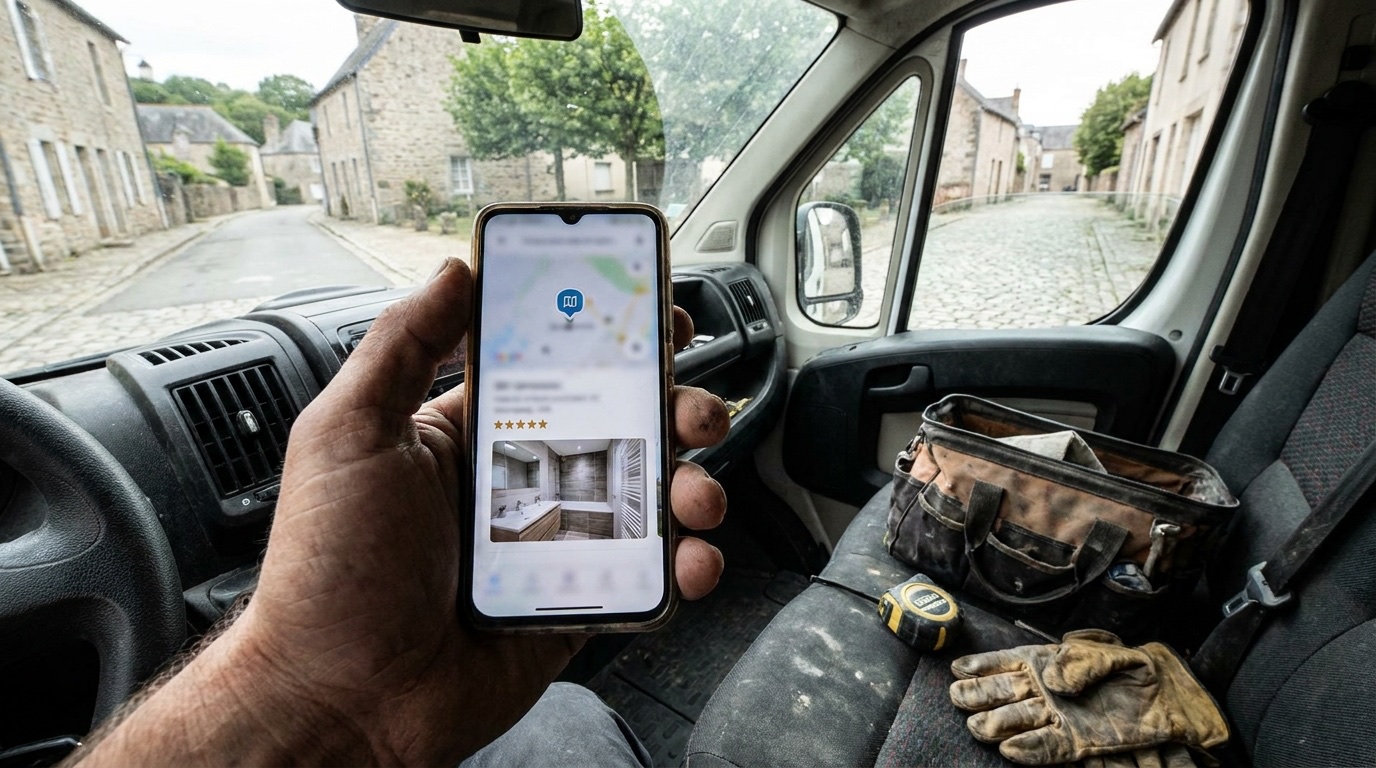
Replying to a Google review
You: Any new reviews?
Assistant: Yes, 5 stars from Sophie B.: "Clean work, punctual team." Suggested reply: "Thank you Sophie, we're glad the job went well. Hope to see you again." Shall I post it?
Google says so in its help page on reviews: replying helpfully shows that you listen to your customers. To get those reviews in the first place, see our article on Google reviews for tradespeople.
What the assistant doesn't do, and what stays with you
- It sends nothing, pays nothing and posts nothing without your approval. Every message goes through your "yes", or your correction.
- It can get an amount, a name or a date wrong. Read its drafts the way you'd read a new employee's, especially at the start.
- It doesn't replace your invoicing software or your accountant. It prepares their work.
- It only sees what you open to it: the inbox, the schedule, the customer folders you choose.
Your emails, your quotes and the photos taken in your customers' homes are sensitive data. Our principle: they stay in Europe, and the assistant only reaches what you've connected. That's how we're building it.
This week, even without an assistant
An assistant works better when your things are in order. These five steps help either way.
- For one week, note the messages you write again and again: quote reminders, appointment confirmations, deposit requests. Those are the first ones to hand over.
- Create one folder per customer, with the name and the town of the job in the title.
- Keep a list of the quotes you've sent with their dates, and follow up on any older than 7 days.
- Ask your accountant or your invoicing software how you receive your suppliers' electronic invoices since 1 September 2026.
- Reply to the last three reviews on your Google Business Profile.
What we take from this
An AI assistant on your phone doesn't touch your trade. It takes on the small written tasks that pile up in the evening: sorting emails, chasing, filing photos, preparing invoices. You keep the decision, with a "yes" or a correction.
At opencream.studio we make websites for tradespeople and local shops in Chantilly and the Oise, Google Business Profile included, with the domain name in your name and a subscription you can cancel any time. We're also preparing this AI assistant for our clients. If the idea appeals to you, tell us about it: we'd like to know what you would ask it first.
For a free quote, call 01 62 04 44 04 (+33 1 62 04 44 04) or write to us through the website.
Good work deserves to be found.
Your questions
What is an AI assistant for tradespeople?
Can the assistant send an email or an invoice without me?
Where does my data go?
How does this relate to mandatory e-invoicing in France?
Can I already use this assistant with opencream.studio?
Want to be easier to find?
Ask for a free quote or call us.
Not ready yet? Check your visibility in 1 minute